The alarm clock app for heavy sleepers.
Your alarm only stops once you’ve done your squats or push-ups — or made your bed. The camera checks it right on your device.


Five alarms set. Slept through every one.
No matter how many alarms you set, your half-asleep self turns them all off. Every morning, the same story:
Snooze until it’s too late
One tap and back to sleep. Five minutes turn into thirty — then panic.
Switched off in your sleep
You turn the alarm off without noticing. It never actually wakes you.
Straight back to bed
You’re up for a moment, then you turn right around — and you’re back under the covers.
The kids won’t get up
Three trips to their room, calling, nagging — and they’re still in bed. Every school day.
The day starts rushed
Awake too late, everything last-minute. The morning is lost before it begins.
Resolutions that fail
Up early for a workout or me-time? Works for three days — then the snooze button wins.
This is Wakea
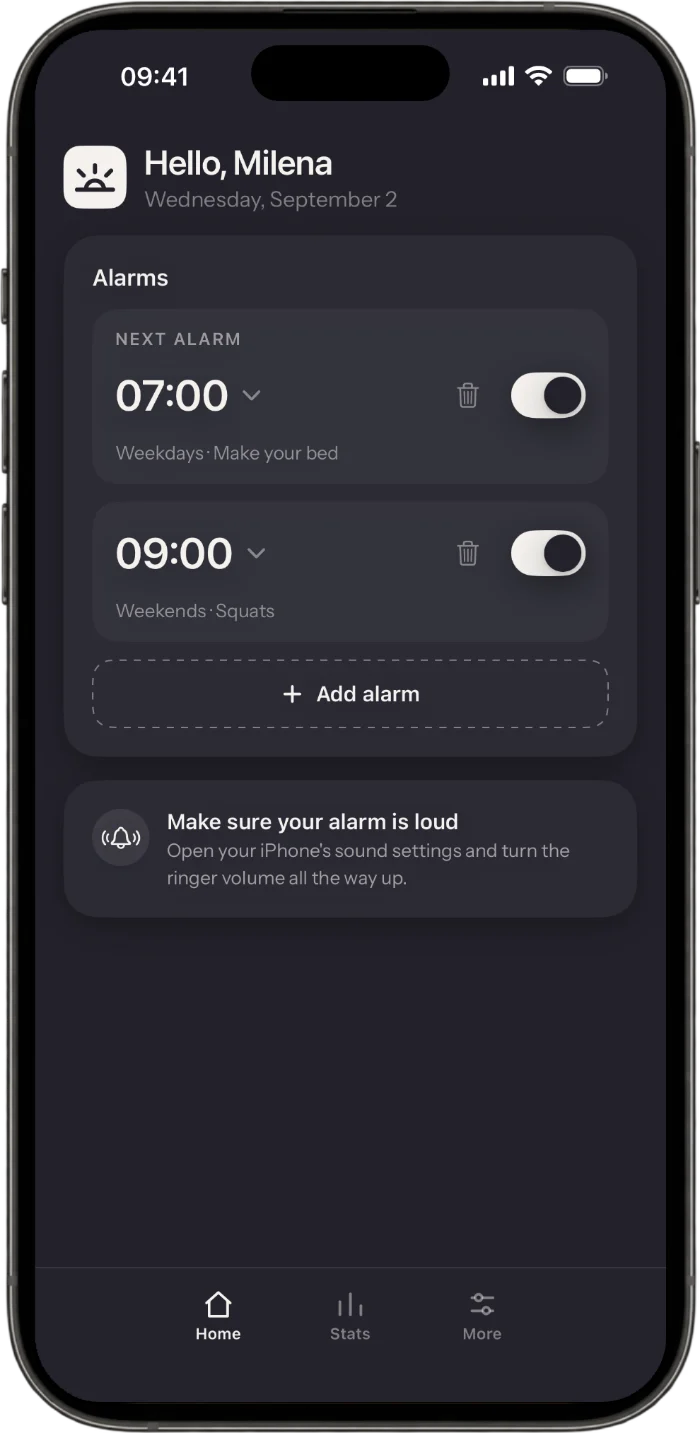
Home, the three missions, your stats and the quiet family overview — swipe through.
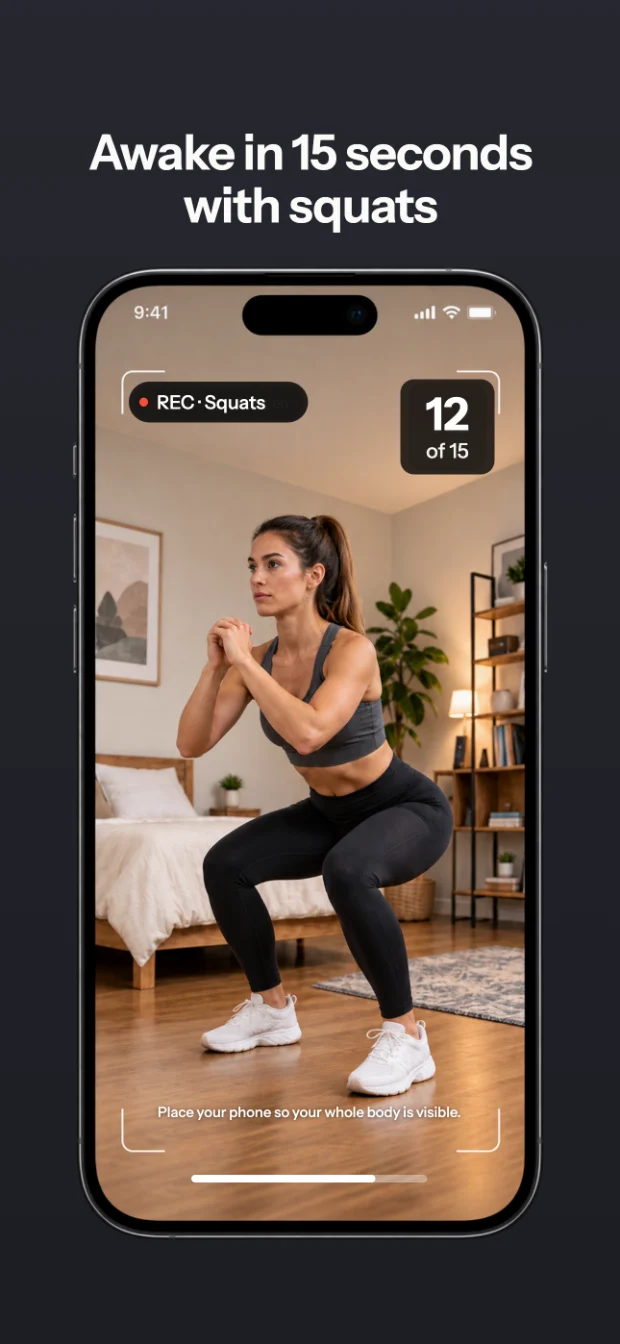
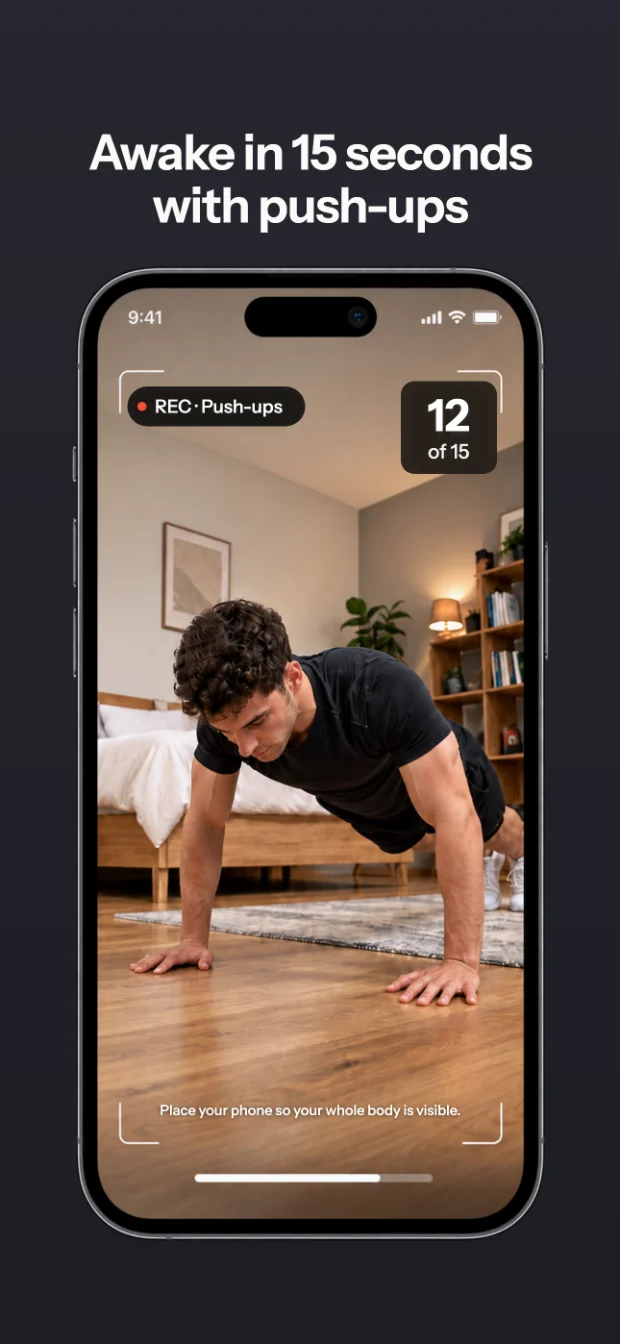
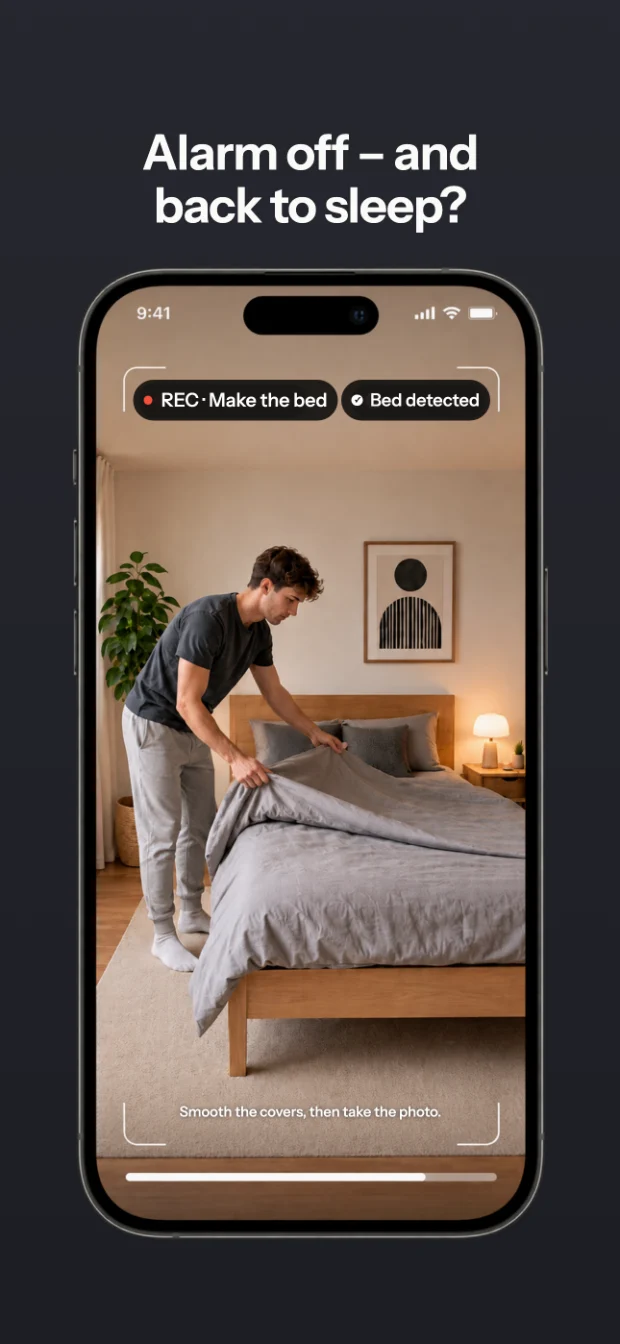
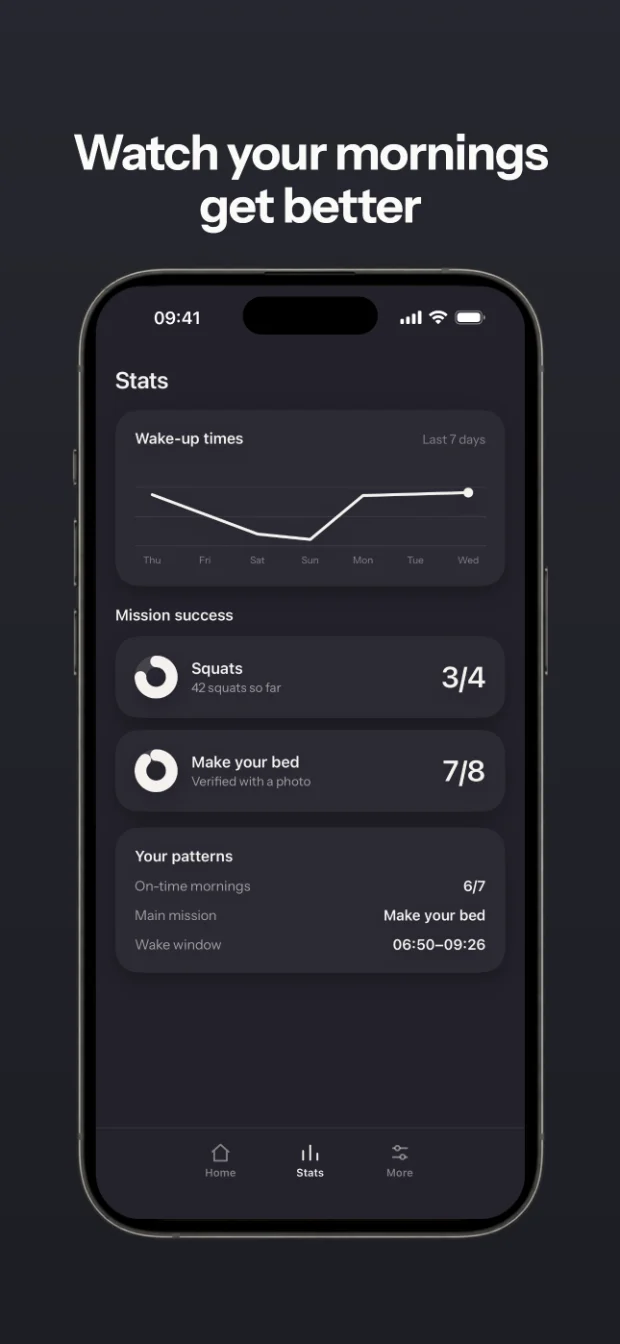
Get out of bed instead of hitting snooze.
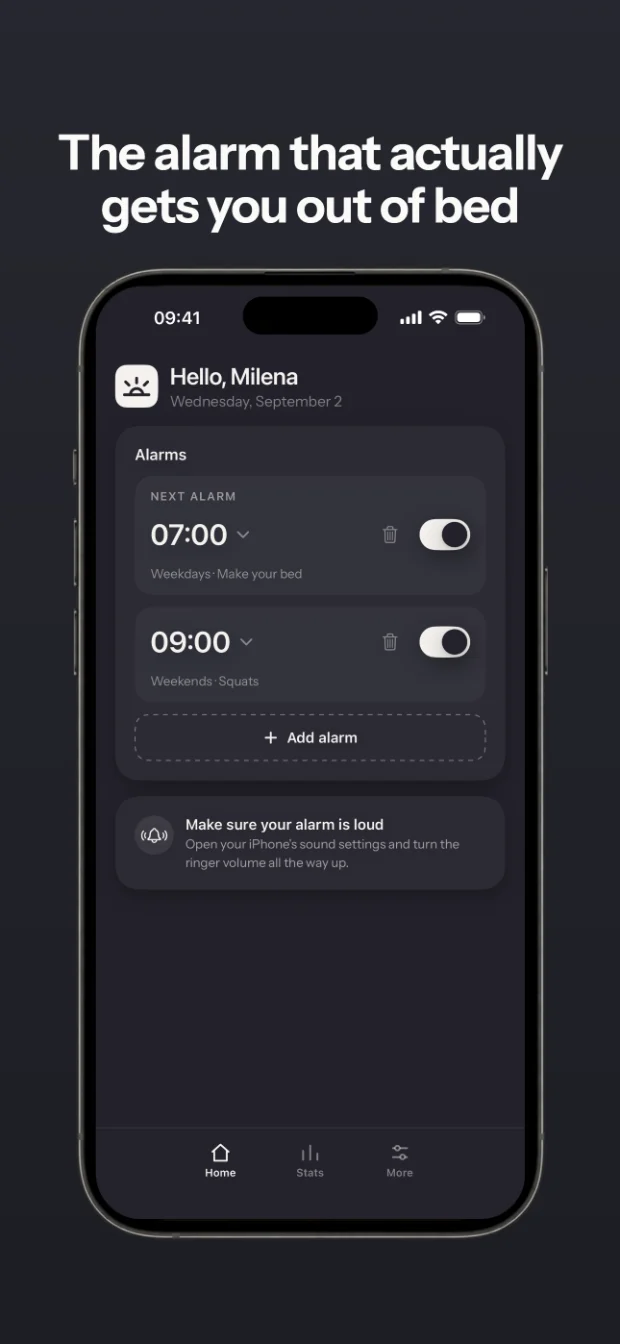
Pick a wake-up mission for each alarm. Your alarm only goes quiet once the camera sees you’ve done it.
Your alarm rings
It rings with the sound you picked, even offline. No snoozing — your mission is what turns it off.
Mission by camera
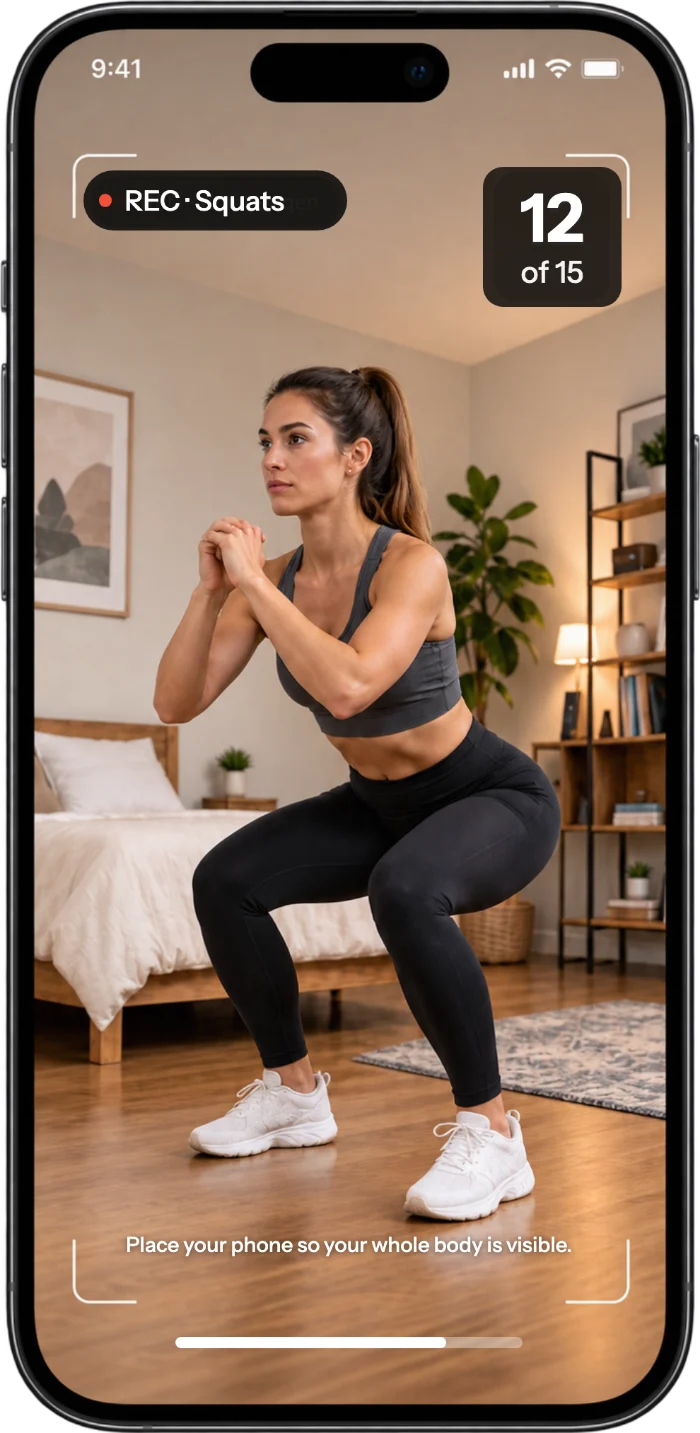
Squats, push-ups or making your bed — detected on your device. No photos or videos are ever saved.
Your streak grows
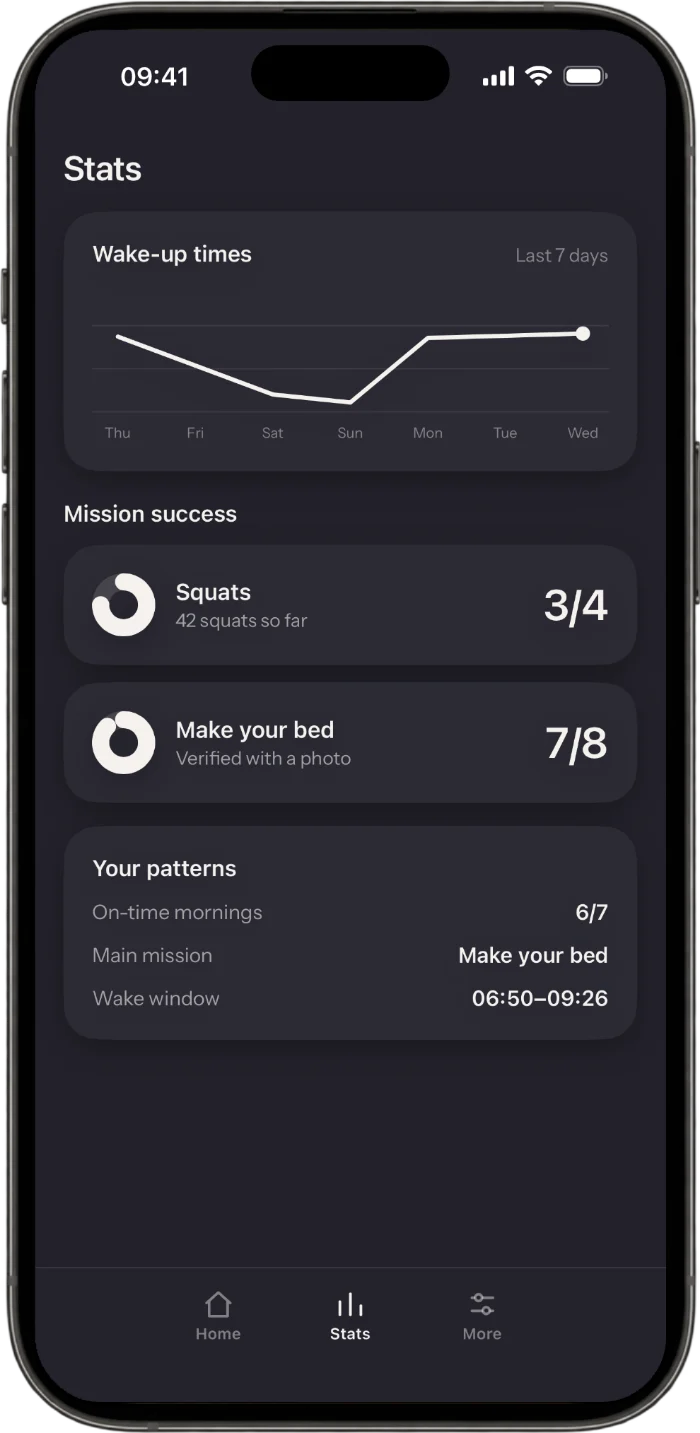
Mission done, streak plus one. Your stats show your wake-up times, success rate and history.
Movement, your way
Squats or push-ups as the first movement of your day. You set the difficulty for each alarm.
The day starts with a win
After your mission, you’ve already achieved something. Not put off, not swiped away — done.
For your kids too
Does your kid have their own phone? Then they can set themselves an alarm with a mission.
Frequently asked questions
Does Wakea save photos or videos of me?
No. Mission detection runs entirely on your device. No photo or video is ever saved or uploaded — the camera only checks whether your mission is done.
Is there an alarm app with no snooze button?
Yes: Wakea. There’s no snooze button here. Your alarm stops once your mission is done. Also allow notifications, because without them no alarm can ring. On iPhone, allow time-sensitive ones too, so it still reaches you in Sleep Focus.
Which alarm app makes you do push-ups or squats?
Wakea does. Your alarm stops after squats, push-ups or making your bed, and every completed morning adds to your streak.
Is Wakea free, or do I need a subscription?
Wakea comes as a subscription you can cancel anytime. It starts with a 3-day free trial.
Can kids and teens use Wakea too?
Yes, on their own phone with their own alarm. With the make-your-bed mission, for example, the alarm stops as soon as the bed is made.
Wake up. Every morning.
Get Wakea for iPhone or Android and set your first alarm with a wake-up mission tonight. Tomorrow morning, it’s on.
3-day free trial